Employee App and URL Tracking for Work Monitoring
Get real-time visibility into how your team spends time online. Track application usage, monitor website activity, and turn raw browsing data into clear, actionable productivity insights automatically, with zero manual reporting.
Start Tracking Now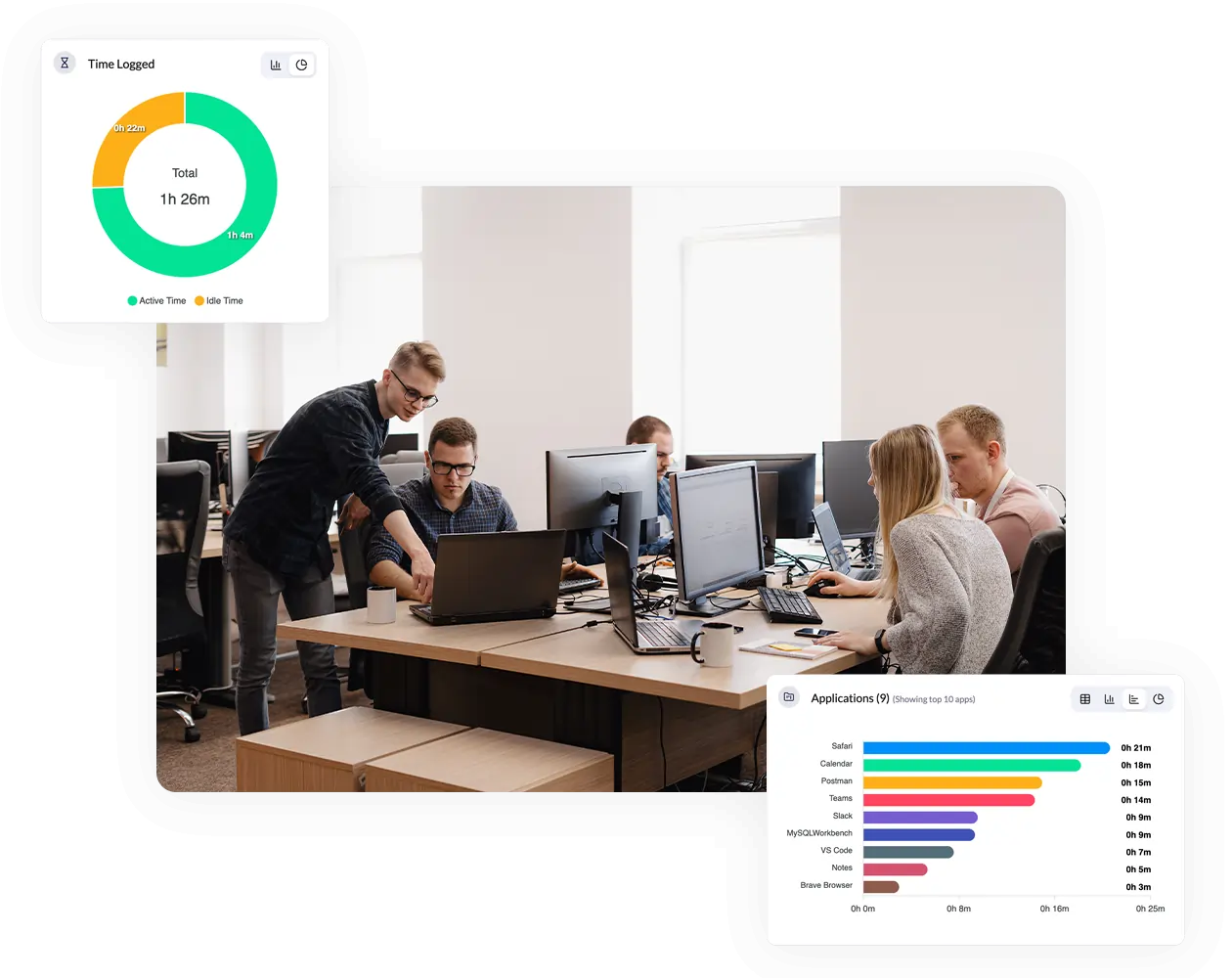
Track Time Spent on Apps
Spot Usage Patterns
Measure Work Focus
Block Distracting Domains
Features That Make Work Transparent and Measurable
Website & App Usage Monitoring
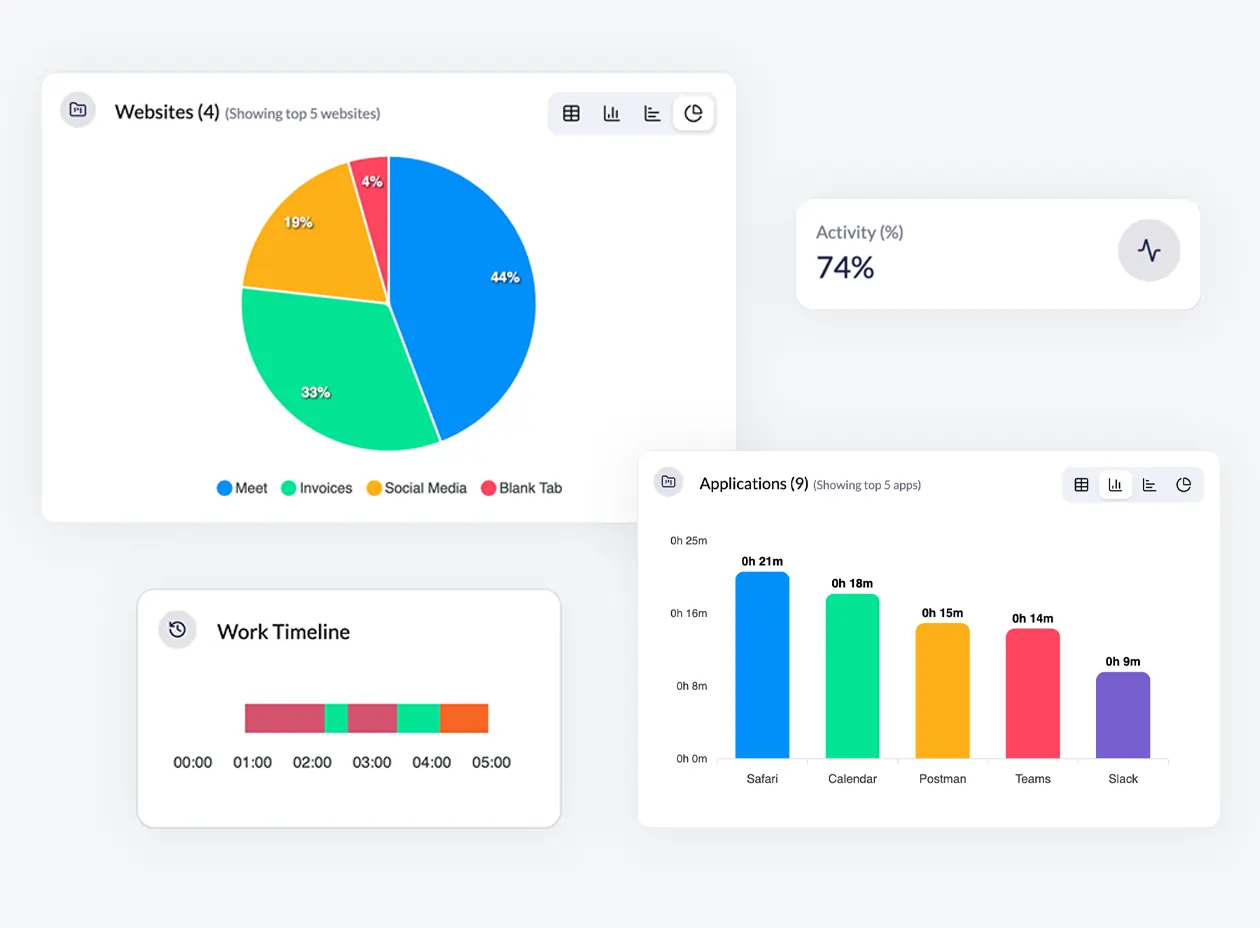
Track how employees spend their work hours across apps and websites. See app names, website URLs, total time spent, activity levels, and productivity for each project and optional screenshot, providing a clear view of daily work patterns and work & non-work-related browsing.
Automatic Employee Time Tracking
By installing the Monitor360 agent on employees’ desktops, you can automatically track time spent on each task and project. Easily monitor how your team uses their time across tasks, apps, and projects to improve focus and productivity.
App & Website Usage Reports
Get detailed reports of the most used apps and websites by employees or teams for specific projects. The reports show the application name or website record, usage duration, and the exact time and date accessed. Use this data to track performance, manage resources, and improve workflows.
Website Classification & Blocking
Automatically classify websites into categories such as Business, Social Media, Entertainment, and Shopping. Block specific websites or categories during work hours to reduce distractions, improve compliance, and keep employees focused on work.
Productivity Dashboard
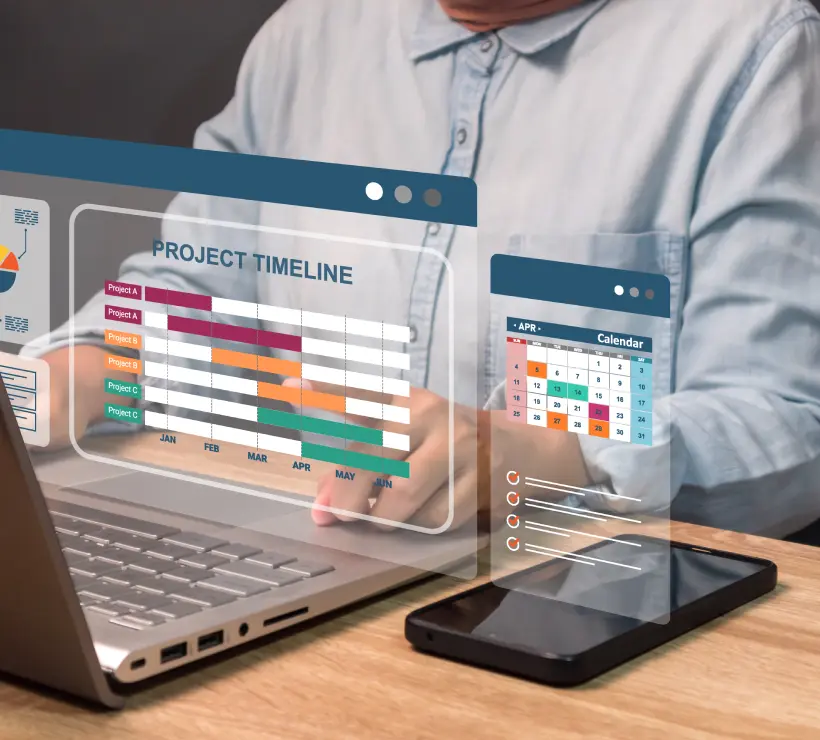
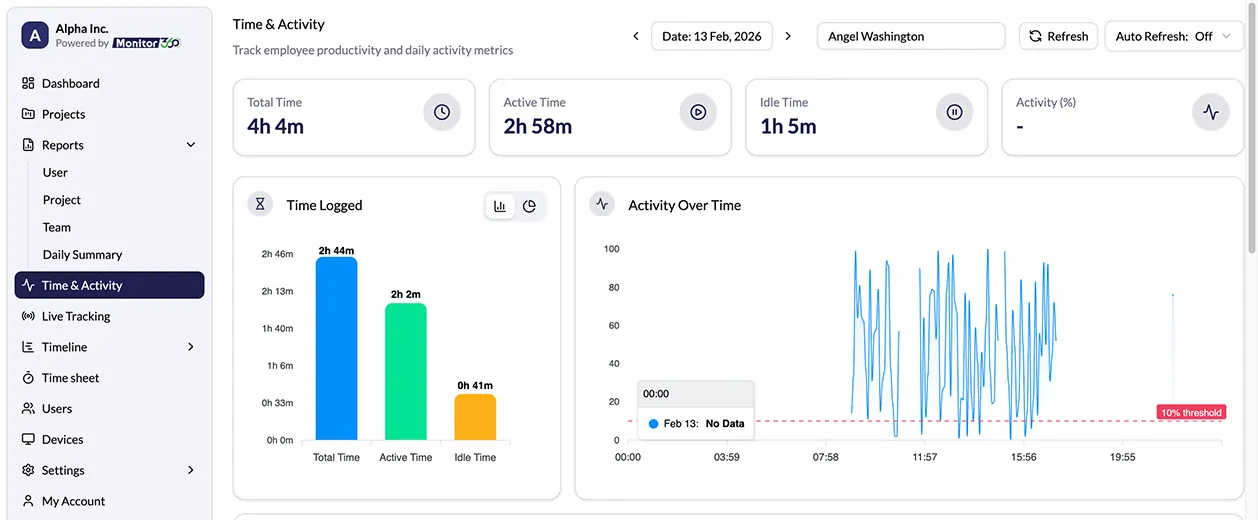
See how your team is working with an easy-to-read dashboard. Track task progress, time spent on projects, app and website usage, and overall productivity. You can view data for each person, team, or project to spot problems and improve efficiency.
Why Use App and URL Tracking Software
Monitor360 helps you manage your team efficiently while giving clear insights into how work is organized and executed.
Get Accurate Time InsightsUnderstand how your team spends their time. Identify productive and unproductive patterns and website usage to improve efficiency.
Remove guesswork with precise activity logs. Ensure correct payroll, billing, and project tracking.
Monitor active work versus distractions. Support employees in staying focused and achieving goals.
Detect unauthorized software or risky websites. Protect company data and maintain workplace compliance.
Turn usage data into actionable insights. Optimize workflows, manage resources, and improve team performance.
Identify unused or underused paid software and remove unnecessary licenses to reduce subscription costs.
Categorize AI tools by department and track usage by employee and project to ensure compliance and optimize software costs.
How Monitor360’s App and URL Tracking Works
Install the Monitor360 Desktop App
Set up the Monitor360 desktop app on employee devices, assign tasks and projects, and it will automatically record app and website usage.
Configure Tracking Settings for Teams
Adjust tracker settings for individual users or apply global settings across the team. Like ideal screenshot interval, blur frequency, and track apps.
Set Website Grouping Rules
Organize website URLs into categories to identify the most-used types of sites, giving a clear overview of activity tracking.
Start Tracking Time
Access the dashboard to monitor employee performance, including top apps and websites, ideal time, and overall activity levels.
Need Answers? We’re Here to Help
Get clear answers on how to track employee website usage and monitor work productivity in Monitor360
Monitor360 collects detailed information about applications and websites accessed during work hours. It tracks the most frequently used apps and URLs for each project, automatically records name, total time spent on them, categorizes URLs by project, and calculates productivity percentages.
Monitor360 automatically records detailed information from employees’ desktops and internet usage during work hours for each project. It tracks website visits, sessions, URL engagement, and application usage patterns.
Yes, Monitor360 gives detailed reports for each employee. These reports include total time worked, ideal time, and productivity percentage. They also show the most-used apps and URLs, along with the projects employee is working on.
Monitor360 offers unlimited monitoring capabilities for all applications and websites accessed by your team members. The system continuously monitors and logs digital activities without restrictions.
Yes, Monitor360 continues to track employee activity even when the internet is down. The system updates all data on the dashboard once the connection is restored.