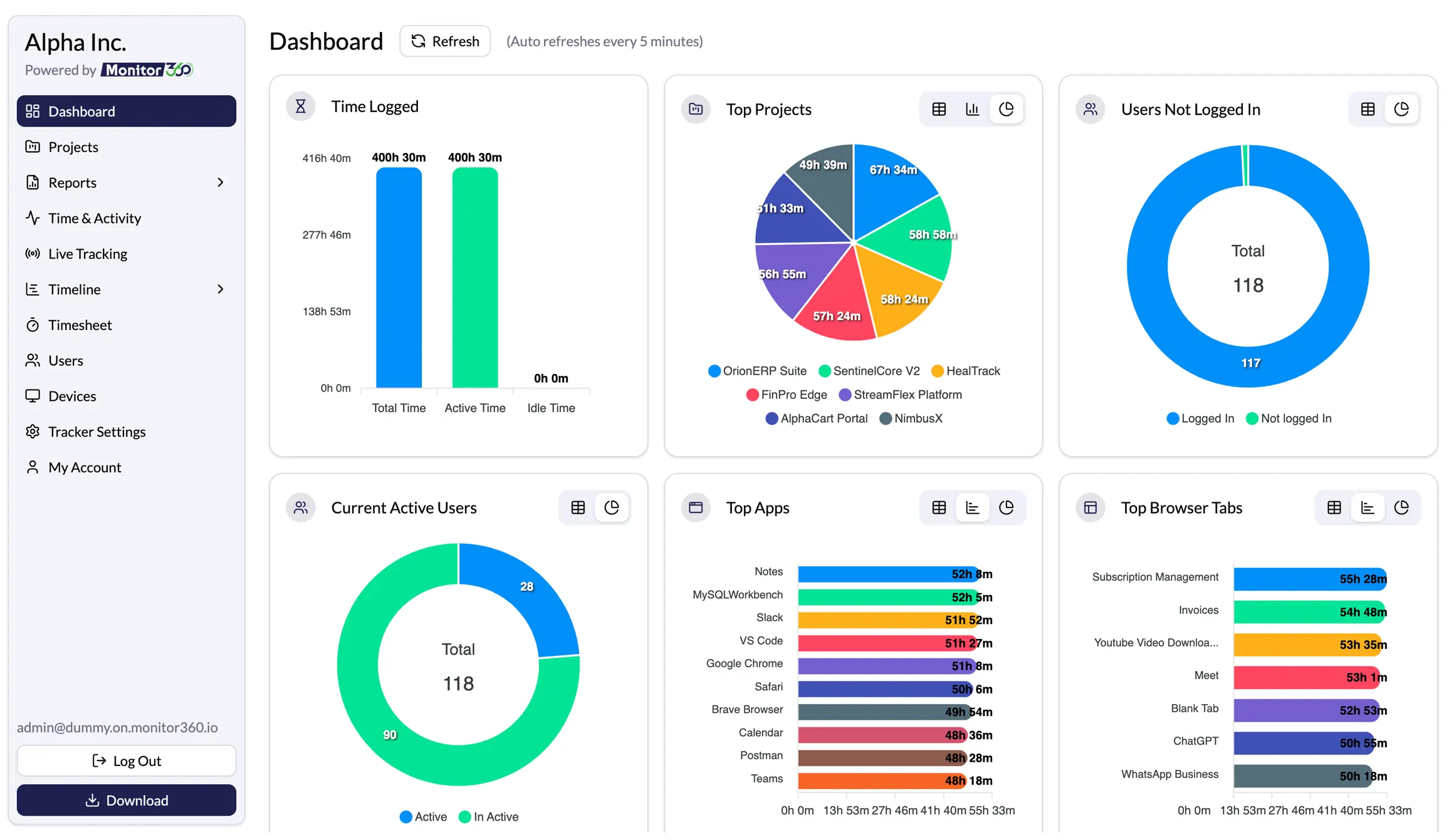
Productivity Wins Backed by Real Metrics
Make better decisions, measure what matters, with AI surfacing the signal automatically.
70%
Less Time Theft
Maximize work hours, minimize wasted time
100%
Automated Tracking
Hands-free monitoring, zero manual entry
45%
More Focused Time
AI flags patterns before they cost you a quarter
25%
Faster Project Delivery
Real-time visibility into tasks and time
Transforming workforce productivity into workforce intelligence
Benefits that let leaders lead with clear, AI-prioritized insight instead of raw, unreadable activity logs.
Save time, manage resources smartly
Automated tracking removes manual entry, freeing teams to focus on the work itself.
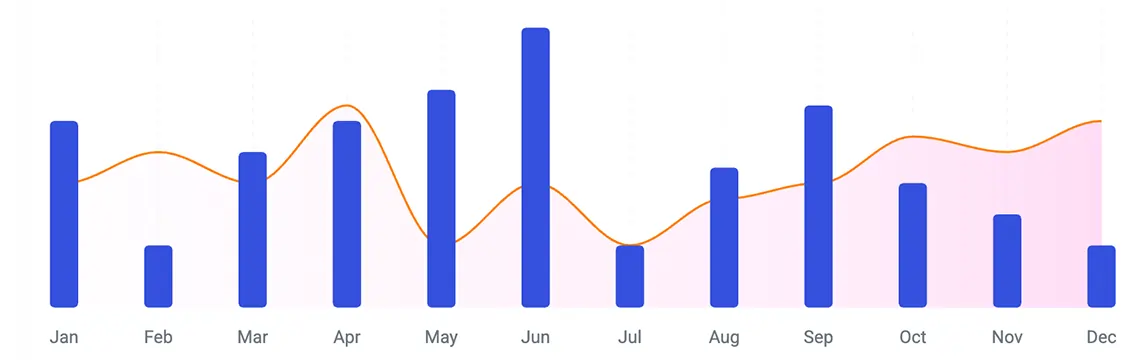
Stay Accountable and Focused
Track every task in real time so your team stays on course and owns their output.
Make Faster, Data-Backed Decisions
AI Workforce Intelligence turns raw activity data into actionable insights, helping leaders make faster, data backed decisions.
Control Users and Devices Effortlessly
Manage every team member and device from one dashboard, with adjustable, role-based settings.
Protect sensitive business data
Gain early visibility into unusual user behavior to reduce insider risks and strengthen data security.
Keep remote teams visible
Live tracking and instant access to team activity, wherever the work happens.
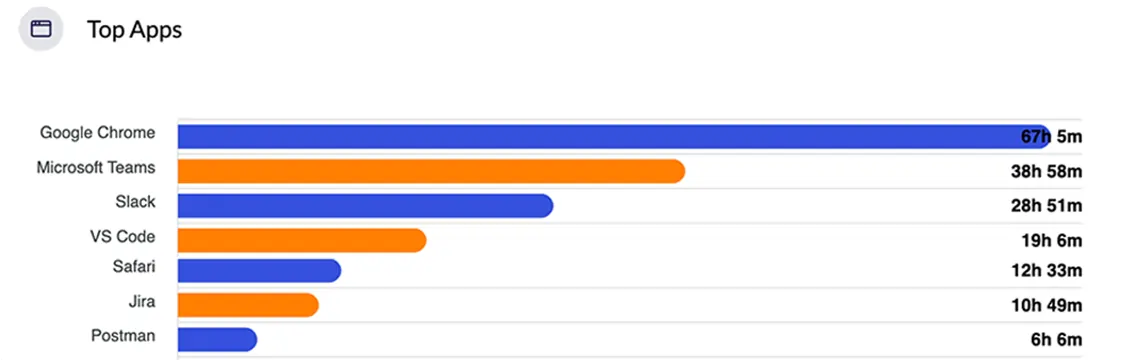
 Ask. Analyze. Act.
Get workforce insights in seconds with Sresh AI
Stop searching through reports. Ask Sresh a question in plain language and get clear, actionable insights about your workforce performance in seconds.
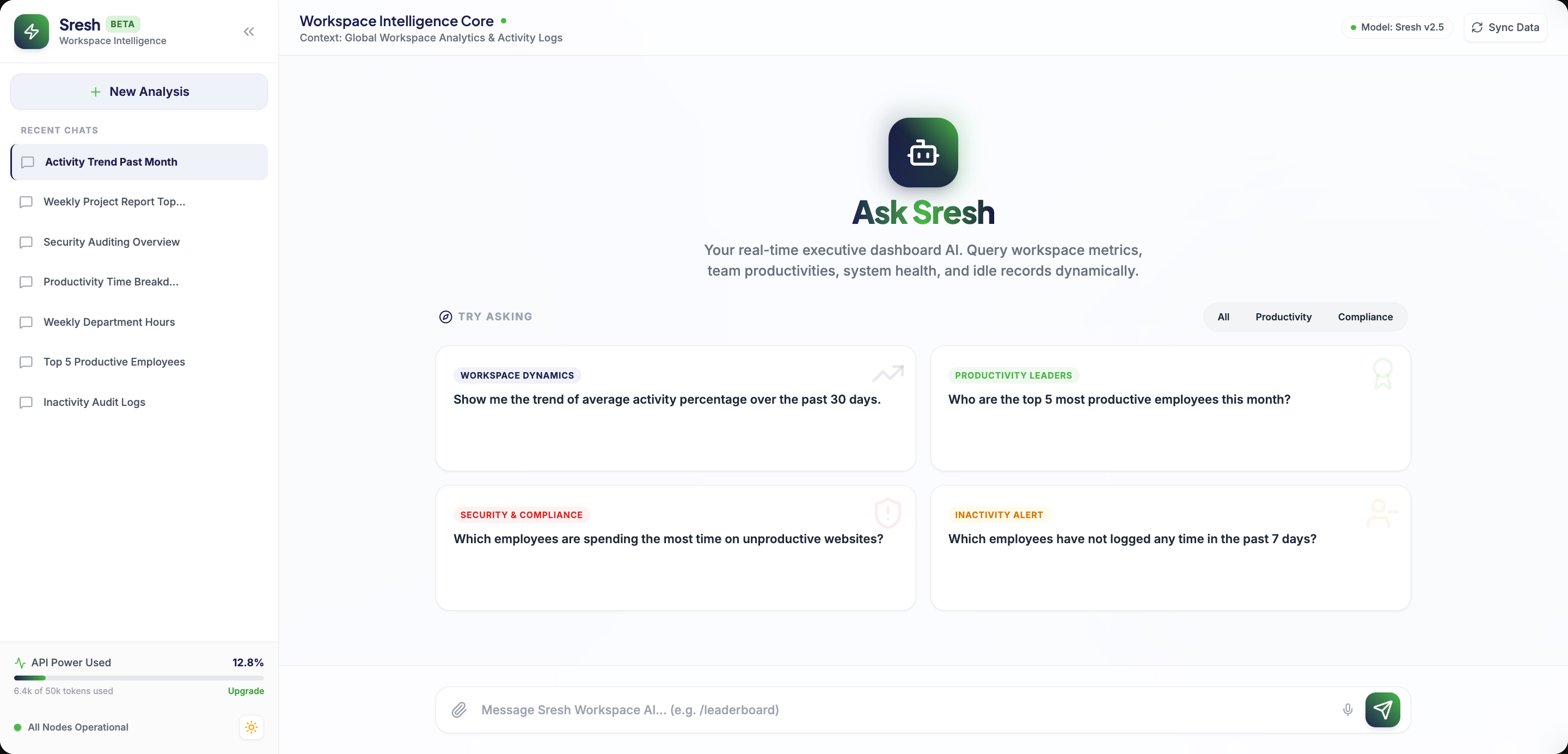
Ask workforce performance questions in plain language
Build custom metrics and dashboards with a simple prompt
Identify performance trends with AI powered recommendations
 Security Certificate
Enterprise-Grade Data Protection
Monitor360 is built with privacy-first security controls that help leaders manage workforce insights with trust and transparency.
HIPAA Certified
Protects sensitive healthcare data in accordance with HIPAA security and privacy requirements.
GDPR Certified
Meets GDPR standards for secure handling and protection of personal data.
Next-gen Workforce intelligence for modern workplaces
Real-time insight into employee performance, with AI handling the analysis so you handle the decisions.
Real-Time Activity Monitoring
Monitor employee activity in real time with live screenshots, app and website usage, idle time tracking, and detailed work insights.
Project and Task Management
Track time for every project and task, capture screenshots, and monitor app and website usage from one dashboard.
Live Screen Monitoring
View multiple employee screens at once from a single dashboard for real time team monitoring and quick activity tracking.
Offline Activity Tracking
Track employee activity continuously, even without an internet connection. All data syncs automatically when the connection is restored.
Productivity Analytics and Reporting
Generate detailed productivity reports with employee performance, work hours, app usage, and activity insights
Stealth Employee Monitoring
Run monitoring discreetly in the background without interrupting employees, while maintaining continuous activity tracking and visibility.
Insider Threat Detection
Identify suspicious employee behavior with activity alerts, risk insights, and detailed logs to help prevent data misuse and security threats.
Workforce and Device Management
Manage employees and company devices from one centralized dashboard with easy device assignment and monitoring controls.
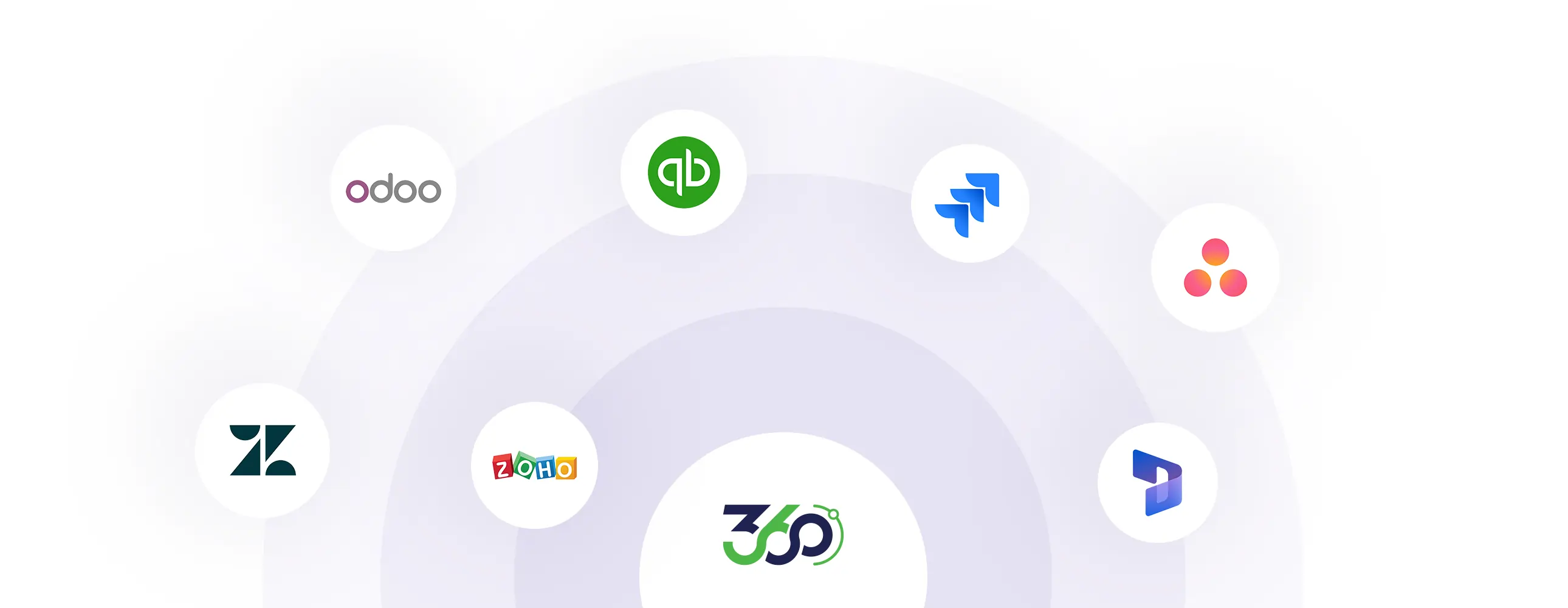
Turn Your Existing Tools Into Workforce Intelligence
Integrate Monitor360 with your existing workflow tools to turn everyday activity into real-time workforce intelligence.
Built with Privacy at the Core
Monitor360 is designed with privacy-first security that leaders can trust
Your Data, Fully Encrypted
Monitor360 ensures end-to-end encryption for all data transfers and securely stores information in compliance with global security standards.
You Control What’s Tracked
Stay in complete control of monitoring preferences. Only track work-related activities that you choose to measure.
No Access to Personal Data
Monitor360 never records passwords, private messages, or sensitive personal information; privacy remains protected.
Transparency, Not Surveillance
Tracking only begins when employees clock in, ensuring fair, transparent, and ethical monitoring practices.
Who Can Use Monitor360?
Built for teams that need visibility, control, and performance insight, whatever the industry.
Accounting Consultancies
Accurate billing and transparent client reporting from real activity data.
IT & Software Companies
Monitor development, testing, and support teams for accountability at scale.
Marketing Agencies
Measure creative output and time spent across multiple client projects.
Finance & Insurance Firms
Compliance-grade data security alongside workflow transparency.
Corporate Headquarters
Centralized dashboards and analytics for managing large teams.
Sales & Marketing Teams
Track engagement and surface opportunities to improve performance.
 Workforce Intelligence, Trusted by 500+ Users
The Platform Behind Better Business Decisions

Enterprise-wide employee monitoring solution for a fast-scaling IT company.
27%
Better Project DeliveryVerified Review
Complete employee monitoring solution for multi-location e-commerce operations.
34%
Higher Workforce ProductivityVerified Review
Complete time theft and productivity monitoring for a Zoho consulting team.
70%
Reduction in Time TheftVerified Review
 From the Blog